Blackview Triple Laptop Screen Extender
Usually $269.99
Price checked today at 06:16 CT
Tired of minimizing windows to switch between tasks on your laptop?
Verified by Agora · Price and availability shown are accurate as of the date/time indicated and are subject to change. Any price information displayed at the time of purchase on Amazon will apply. As an Amazon Associate, Agora earns from qualifying purchases.
What we've verified about this price
Our read on this product
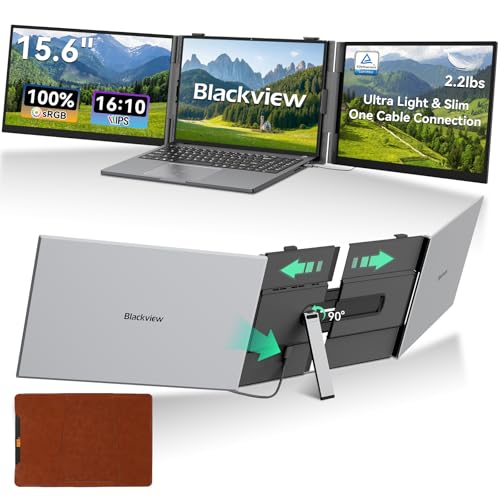
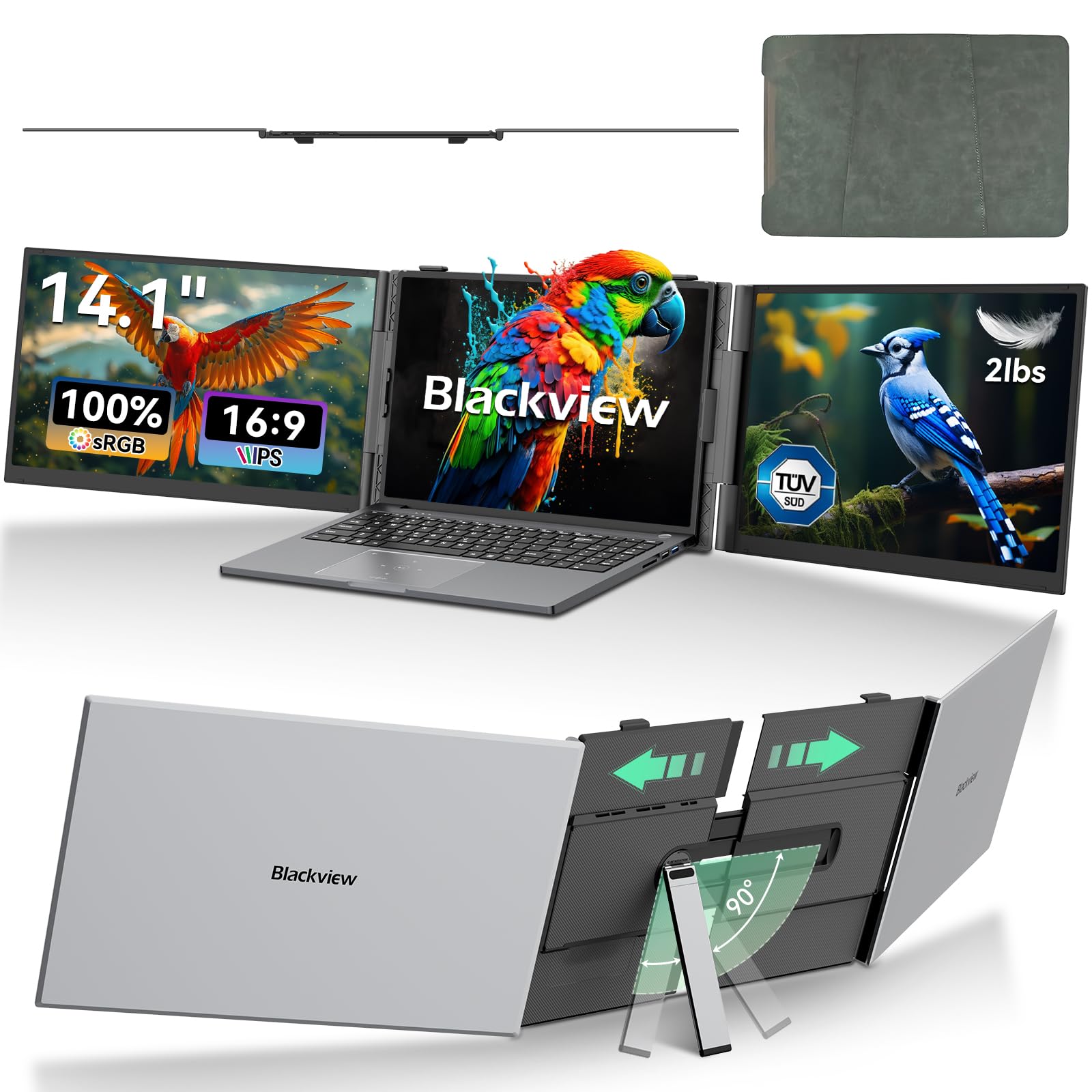
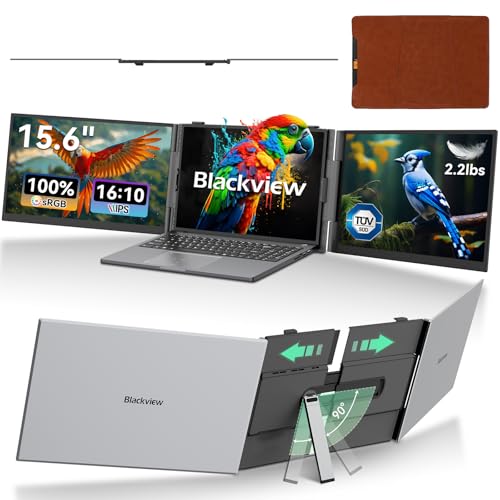
The biggest hurdle with working on a laptop, especially when you're not at your main desk, is the cramped screen space. This triple extender effectively doubles your usable display area, making it feel less like you're juggling windows and more like you're working with a proper setup. It’s designed to clamp onto your existing laptop screen, unfolding outwards to give you two additional displays. The setup is straightforward, usually just a single USB-C connection for power and display, which is a relief when you're trying to get productive quickly.
It’s surprisingly stable once set up, and the ability to adjust the angle of each screen means you can find a comfortable viewing position. While it adds some bulk, it still folds down compactly enough to fit into a laptop bag, which is the main draw here. This isn't about replacing a full desktop setup; it's about bringing a significant chunk of that multi-monitor convenience with you wherever your laptop goes.
What makes it stand out
- Offers two additional screens that fold out, unlike single portable monitors that just add one.
- Attaches directly to your laptop lid, creating a self-contained unit rather than requiring a separate stand.
- Typically uses a single USB-C connection for both power and video, simplifying setup compared to solutions needing separate power bricks or multiple cables.
When this isn't the right fit
- This is an add-on accessory and will increase the overall footprint and weight of your laptop setup.
- Requires a relatively powerful laptop to drive three external displays smoothly.
- May not be compatible with all laptop lid designs or thicknesses.
Real-world notes
- The screen brightness and color accuracy might not match your primary laptop display.
- It can take a few minutes to get used to the viewing angles and the slight bezel between screens.
- You'll need to manage the extra cables, even if it's just one for power and display.
What you're trading off
Can add bulk to your laptop setup.
If you need to significantly boost your laptop's productivity on the move, this offers a compelling solution.
Key specs at a glance
- Feature
- adjustable brightness
- Feature
- foldable
- Feature
- multiple display modes
- Material
- plastic
- Power
- USB-C
How this price compares over time
Not enough tracked price history yet.
Explore further
Related picks from the same need, product type or setup.
Similar products
SimilarClose alternatives from the same product type.
 Good deal
 Good deal
 Good deal
 Good deal
 Good deal
 Good deal
 Good deal
 Good deal