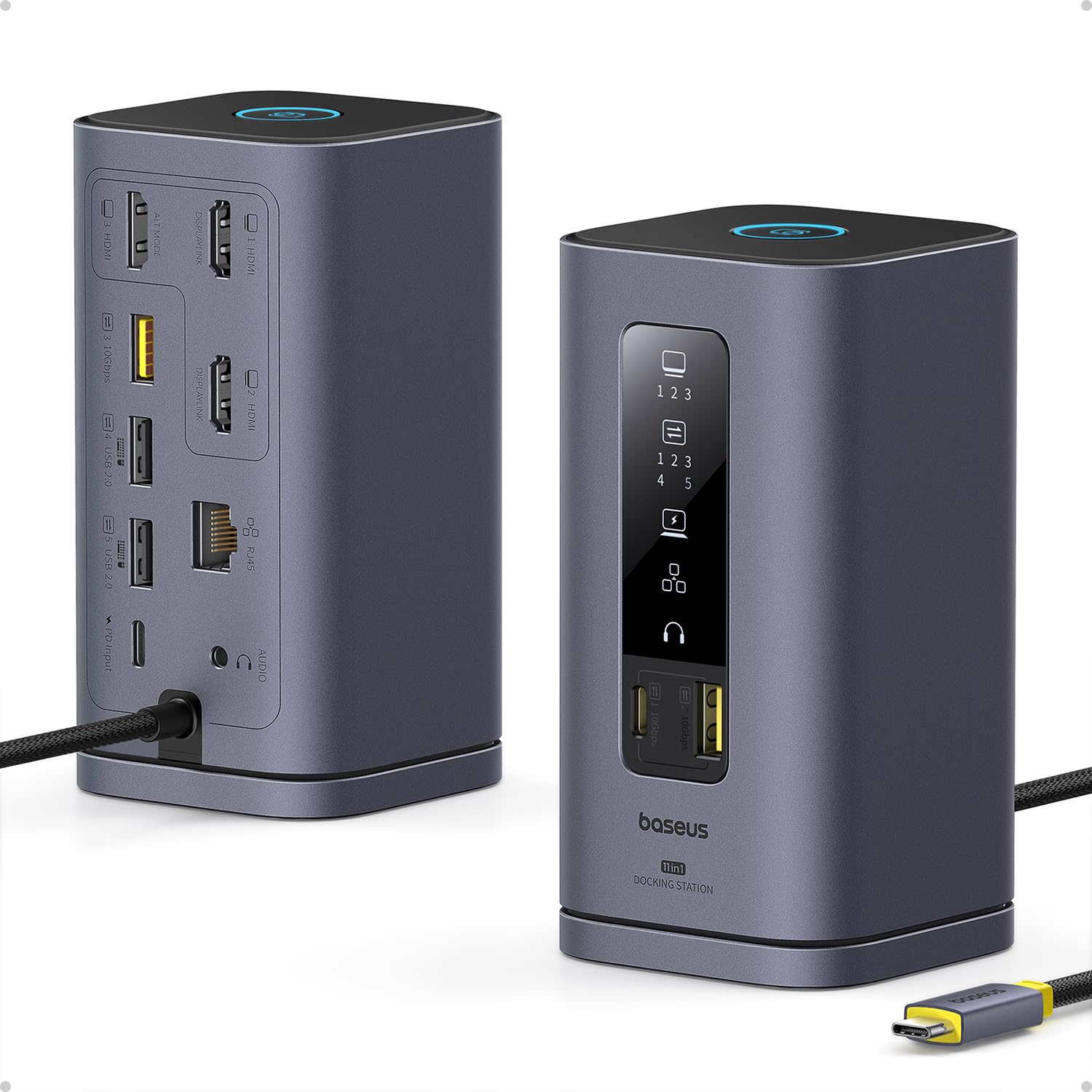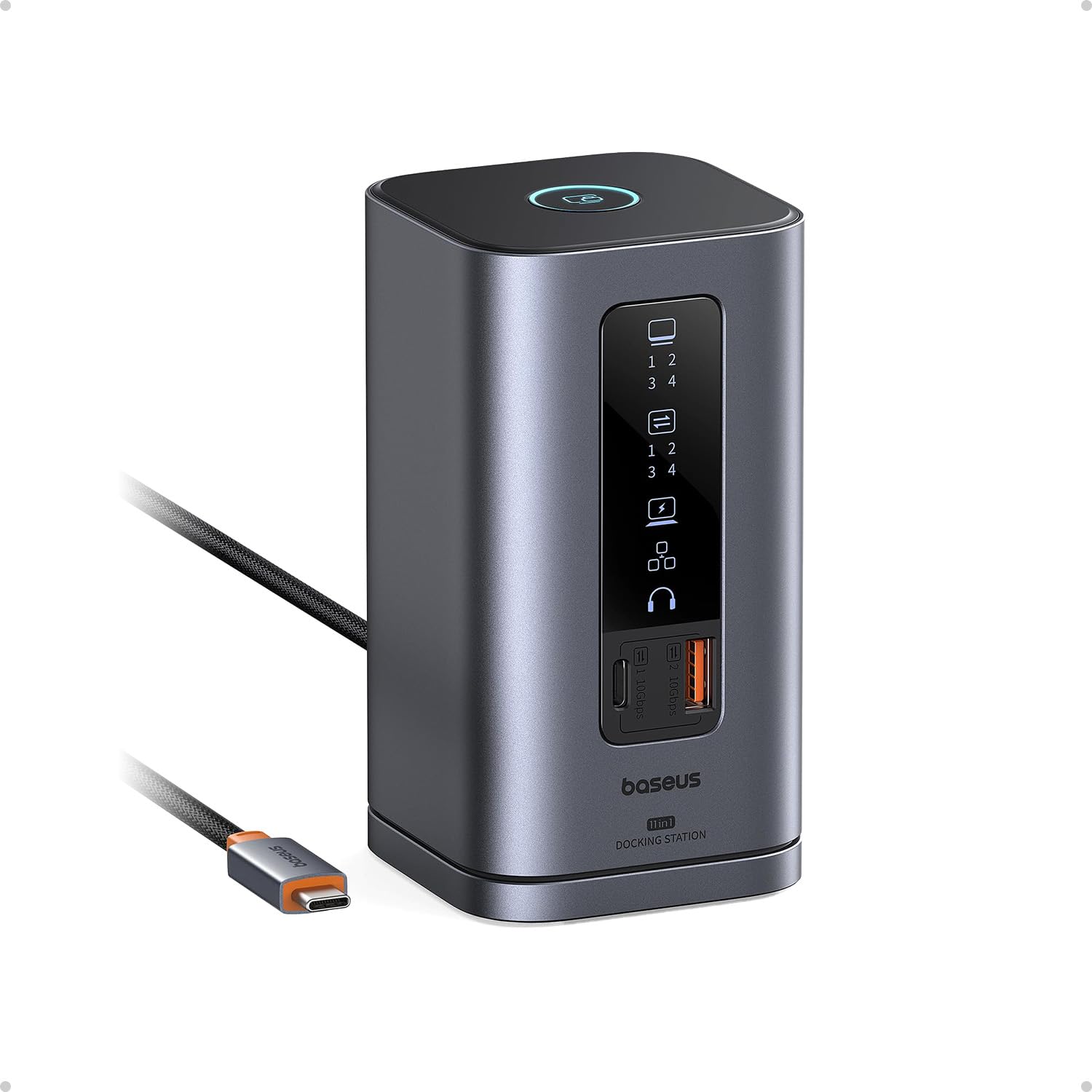
Baseus Spacemate Docking Station 11-in-1 Triple Display
Usually $99.99
Price checked today at 12:11 CT
Transform your laptop into a multi-display workstation with a single cable.
Verified by Agora · Price and availability shown are accurate as of the date/time indicated and are subject to change. Any price information displayed at the time of purchase on Amazon will apply. As an Amazon Associate, Agora earns from qualifying purchases.
What we've verified about this price
Our read on this product
This docking station effectively turns a single laptop port into a comprehensive command center, supporting up to three external displays simultaneously. It’s designed to eliminate the tangle of dongles and adapters, consolidating your essential peripherals like keyboards, mice, and external drives into one streamlined connection. Owning this means your desk setup can transform from a cluttered workspace into an organized, multi-monitor productivity hub with a single cable connection.
For professionals and students, the ability to expand their visual workspace is a significant productivity booster. This hub doesn't just add ports; it enables a true multi-display environment, allowing for more efficient multitasking, complex data analysis, or immersive presentations. It’s the kind of upgrade that, once experienced, makes you wonder how you managed without it, quietly fixing the frustration of limited laptop connectivity.
What makes it stand out
- Supports triple display setups, offering more visual workspace than many single-display hubs.
- Consolidates 11 different connection types into a single unit, reducing the need for multiple adapters.
When this isn't the right fit
- Your laptop may not have a USB-C port with DisplayPort Alternate Mode or Thunderbolt 3/4 support, which is necessary for video output.
- You only need to connect one or two devices and don't require multiple external monitors.
Real-world notes
- The convenience of connecting everything with one cable is a frequent point of appreciation.
- Users often discover they use more external displays than initially planned once the setup is in place.
- The 4.2-star rating from over 800 reviews suggests a generally positive ownership experience.
Consider this if you need to significantly expand your laptop's display and peripheral capabilities in one go.
How this price compares over time
Not enough tracked price history yet.
Explore further
Related picks from the same need, product type or setup.
Similar products
SimilarClose alternatives from the same product type.
 Good deal
 Good deal